Valentine Book Photos!
Jul. 25th, 2005 06:48 pm![[personal profile]](https://www.dreamwidth.org/img/silk/identity/user.png) gategrrl
gategrrlBut they're frelling HUGE, so I'm just going to post the URLs to the photographs themselves instead of hiding them behind an LJ cut.
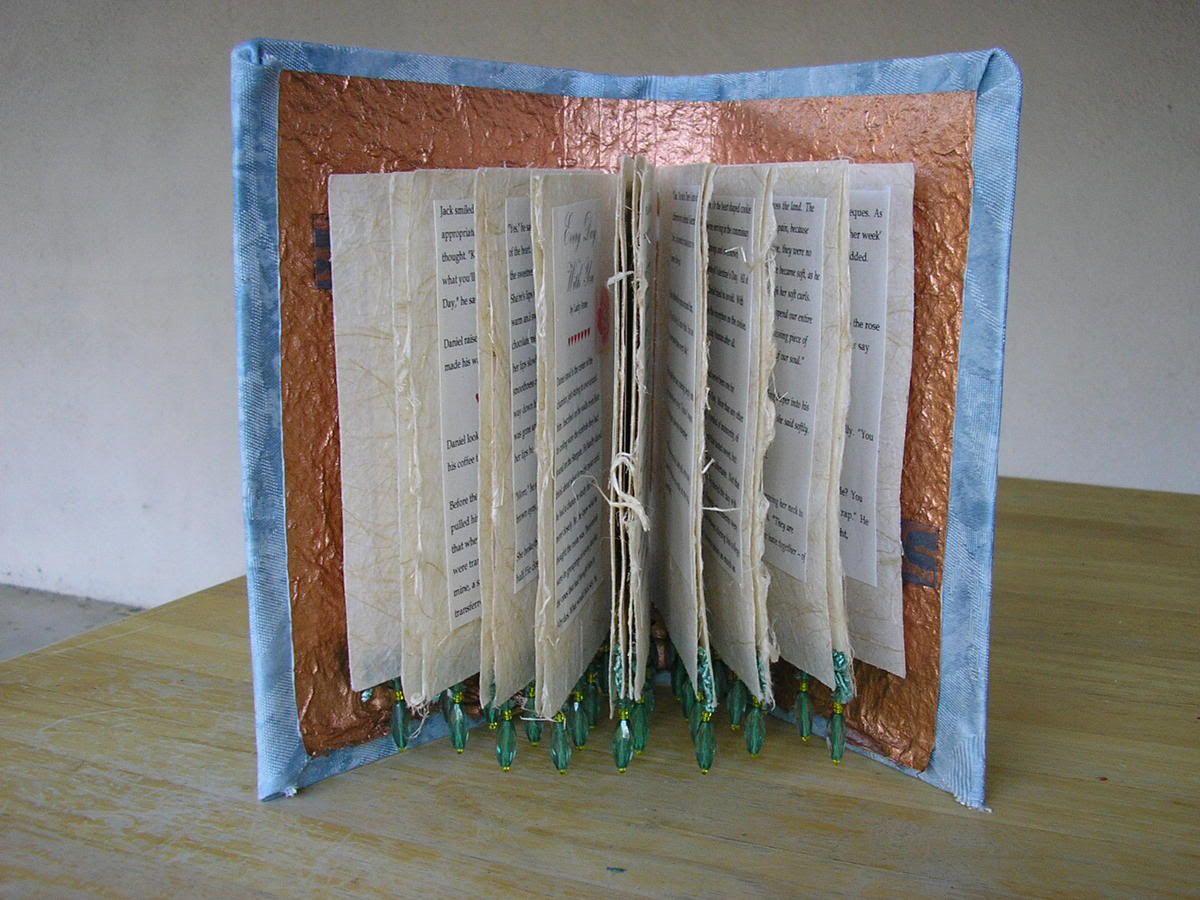
The book as it looks open
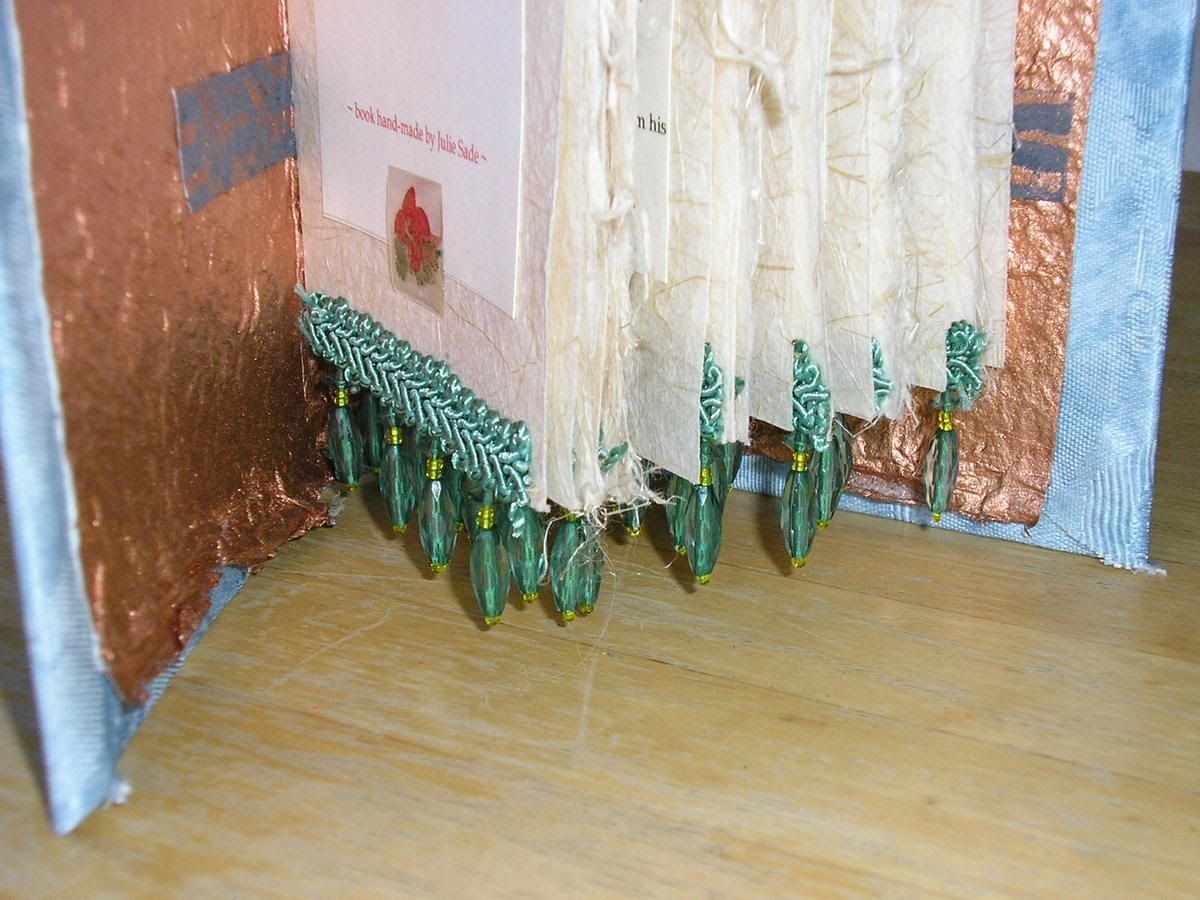
Detail showing the beading
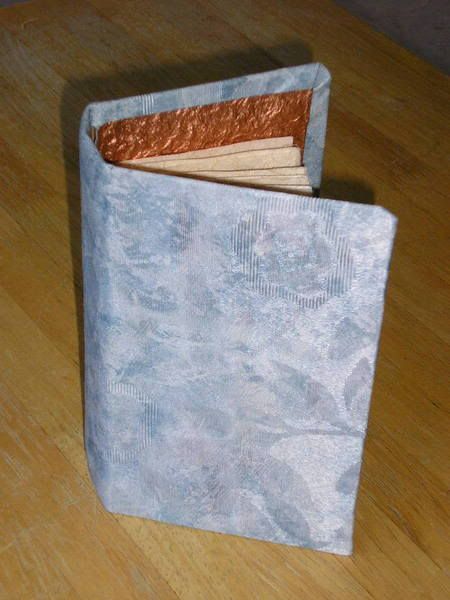
The cover, with a glimpse of the copper paper lining.
Handsewn glass beads at the head of the book.
I'm not sure if the other books are going to have that beading detail up at the top, but, they might.
Thanks for all who helped me figure this pesky Tag problem!
The book as it looks open
Detail showing the beading
The cover, with a glimpse of the copper paper lining.
Handsewn glass beads at the head of the book.
I'm not sure if the other books are going to have that beading detail up at the top, but, they might.
Thanks for all who helped me figure this pesky Tag problem!


![[identity profile]](https://www.dreamwidth.org/img/silk/identity/openid.png)
no subject
Date: 2005-07-26 02:05 am (UTC)no subject
Date: 2005-07-26 02:24 am (UTC)You either have to use html code, which I totally suck at, or switch to the "rich text" mode when you're posting (it's underneath the text box). When you use that, a row of buttons will appear above the box. One looks like a link in a chain, representing a hyperlink. Type out the text you want to show for your link, highlight it, then click on the hyperlink button. A box will pop asking for the URL -- you can either type it out, or copy and paste it in.
I have yet to get "rich text" to work in Firefox though. The buttons show up, but they no worky. So when I post, I usually use IE instead.
no subject
Date: 2005-07-26 02:26 am (UTC)[a href="http://img.photobucket.com/albums/v635/Gategrrl/Valentine%20Book%202005/P7250002.jpg"]Descriptive name for what this picture is[/a]
Just replace the [ ] with < >.
(no subject)
From:(no subject)
From:(no subject)
From: